

2025 Broker of the Year
This honour celebrates the multi-asset broker with superior trading offerings and market credibility.
When execution matters, your broker choice matters more. TradeStation brings award-winning technology to TradingView’s powerful platform.
2025 Broker of the Year
This honour celebrates the multi-asset broker with superior trading offerings and market credibility.

Full market access: Stocks, Options, & Futures
All in one integrated platform

Competitive pricing built for active traders
$0 Options Trading*
As low as $0.50/contract Futures Trading*
Start trading in three simple steps:
01

Register for a TradeStation Europe account.
02

Fund your account with your initial deposit.
03

Start trading stocks, options, futures, and more with full access to TradeStation’s platforms and tools.

Connect your TradeStation account in TradingView’s Trading Panel for equities, futures, and options (see current options capabilities). Place and modify orders from the chart, with Level 2 and Market Depth support via TradeStation for enhanced context. Connection via Trading Panel (OAuth, one-time); chart-based order entry and modification.
Natural-born traders demand technology they can customise to their needs and strategies. With a deep roster of built-in and third-party tools, the TradeStation ecosystem is designed to let you trade on your terms.

Trading View

API
Desktop

Mobile Apps

Web Trading

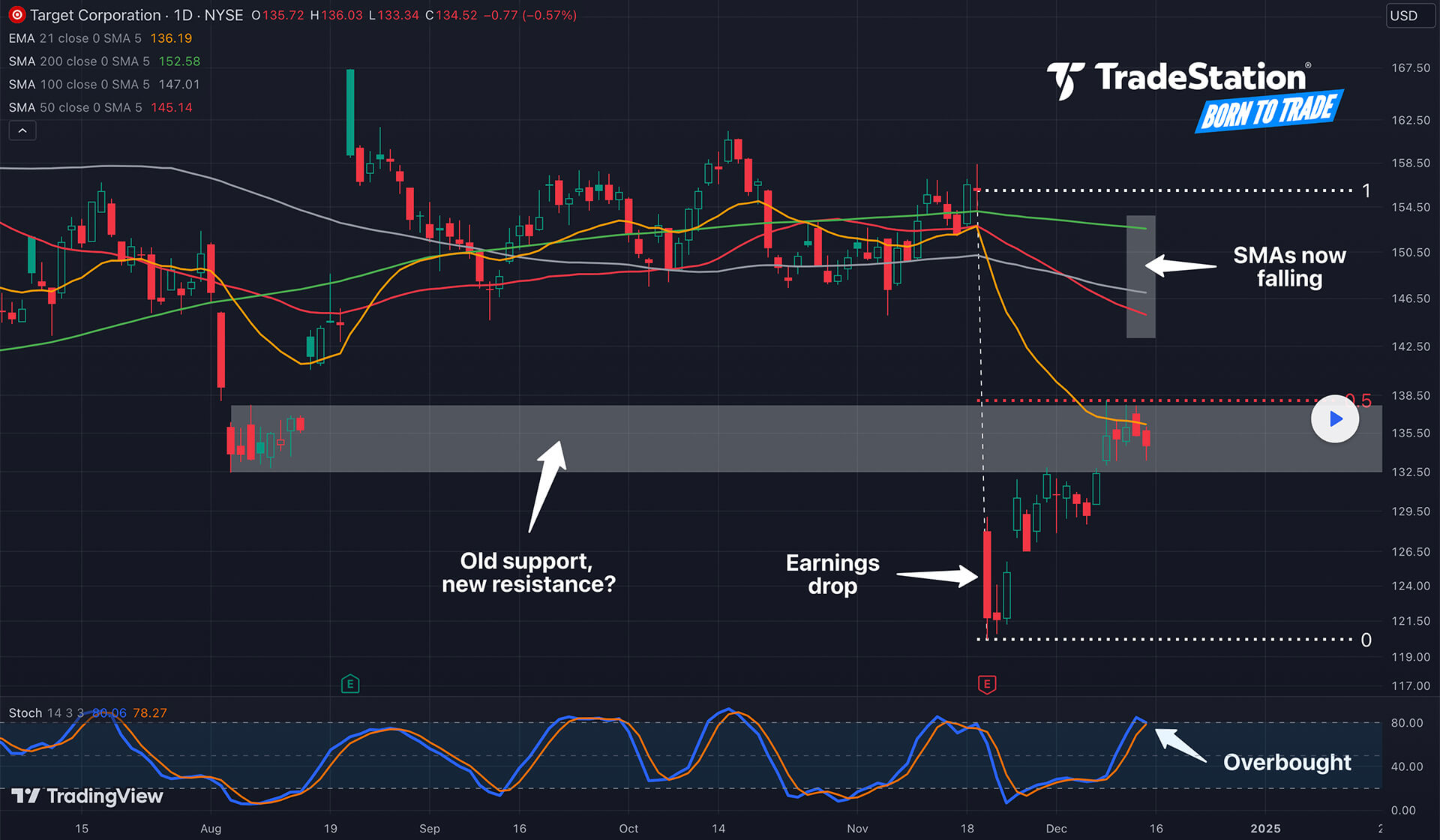
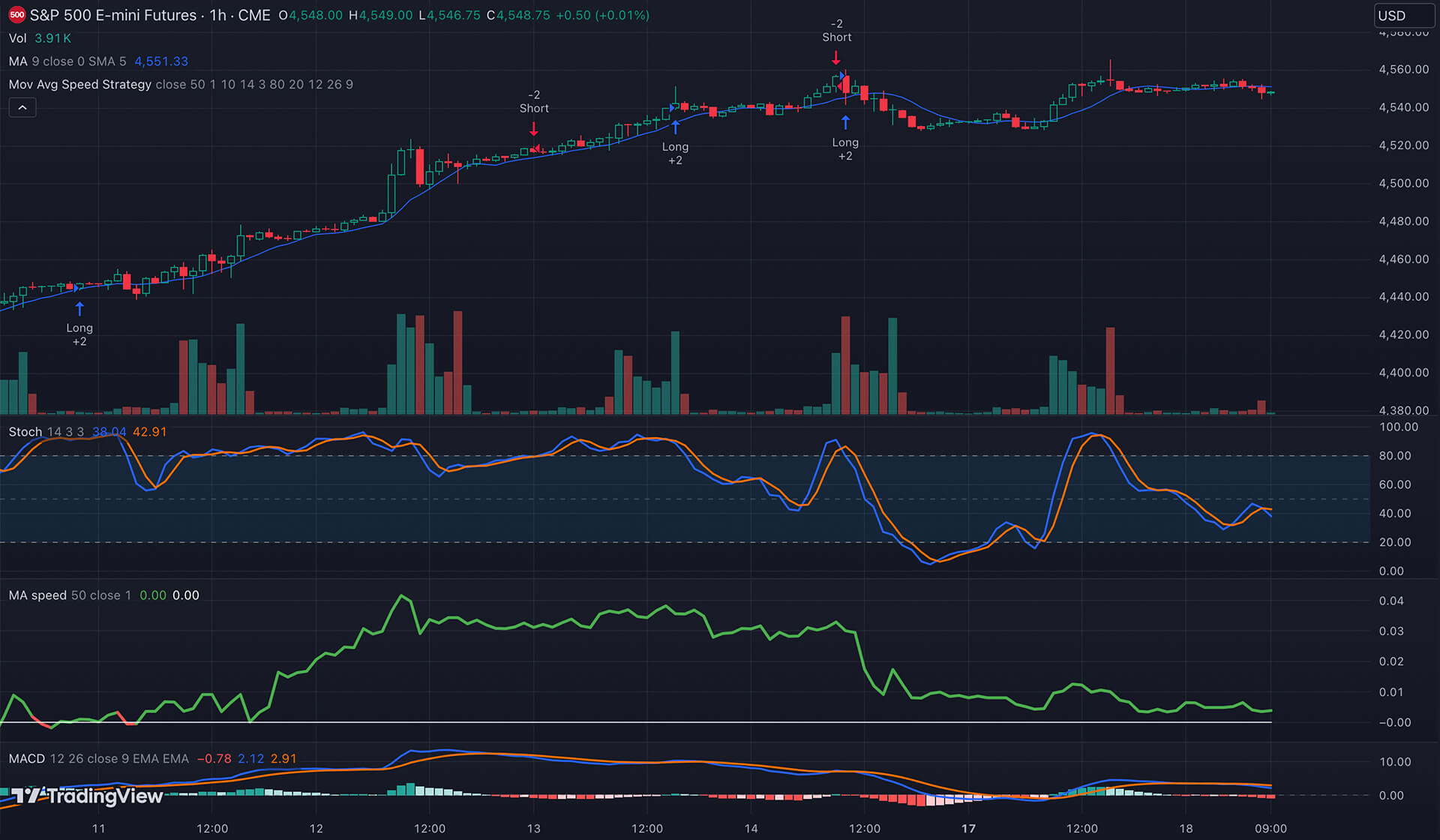
Enhance your experience with the powerful desktop terminal or trade on the go in the mobile app.
You can trade U.S. stocks, ETFs, futures, and single leg equity options through the TradeStation connection in TradingView’s Trading Panel leg equity options through the TradeStation connection in TradingView’s Trading Panel.‑leg equity options through the TradeStation connection in TradingView’s Trading Panel.
Once you have logged into TradingView and have accessed their Supercharts Feature, there is a button below the chart called “Trading Panel”. From this section you can select the Broker you would like to connect. Select TradeStation, then you will then be able to sign into either the Live or Simulated environment.
After you have signed into your TradeStation account through TradingView, when you search for a symbol on the chart, the symbol lookup window has a category labeled TradeStation. Make sure this is enabled to confirm if the symbol you would like to view/trade is available for trade via TradeStation.
Disclaimer: This link is offered solely for educational and informational purposes and will take you to TradeStation.com, a platform that operates under the supervision of the U.S. Securities and Exchange Commission (SEC).
Please be aware that TradeStation Securities Inc is not regulated by the Dutch Authority for the Financial Markets (AFM) and may provide services that are unavailable to customers residing in Europe.